
Note: As of 2026, the Landmark App has been deprecated and is no longer supported, thus the contents of this article do not apply. If you are using an Explorer Booth, we have partnered with Curator Live and Snappic as your iPad software solution options going forward. See registration links below:
Curator Live:
https://my.curatorlive.com/register?fpr=lapp
(use code 10LAPP26 for 10% off)
Self Guided Software Demo: https://help.curatorlive.com/en/articles/5973412-curator-video-demo-series-digital-only
Snappic:
https://app.snappic.com/register?fpr=laphotosnap
Self Guided Software Demos: https://app.snappic.com/resource/download
____________________________________________________________________________________________________
If items are stuck in the queue (Email/SMS/Smugmug) you can attempt to force their sending via the steps below:
Step 1: Press the Help icon
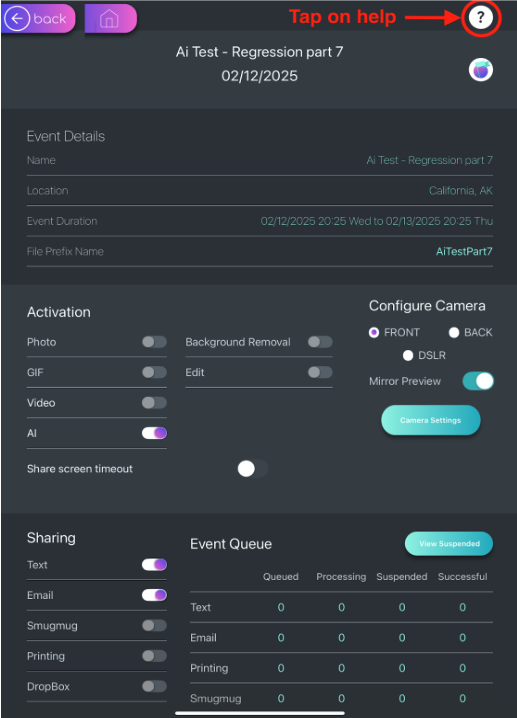
Step 2: Select your Event:
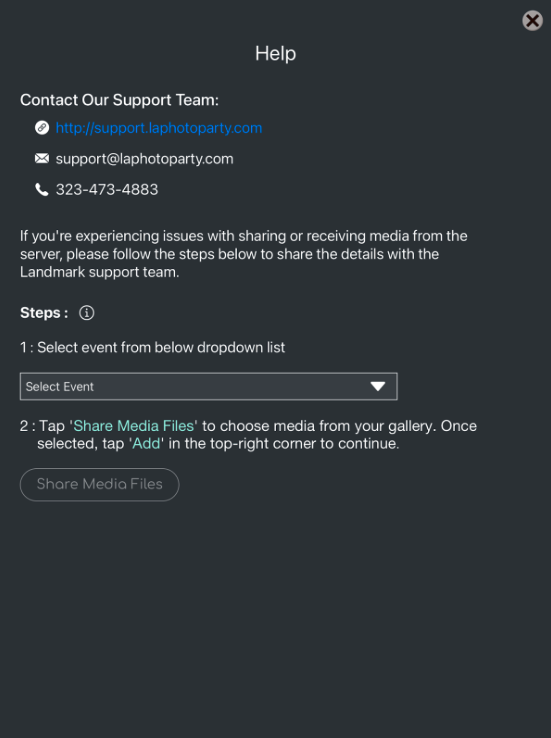
Step 3: Select Share Media Files:
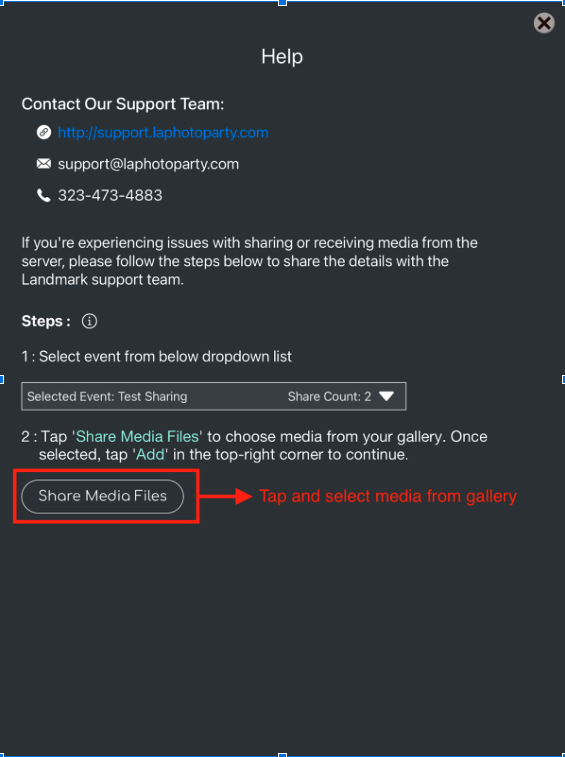
Step 4: Select Media Files:
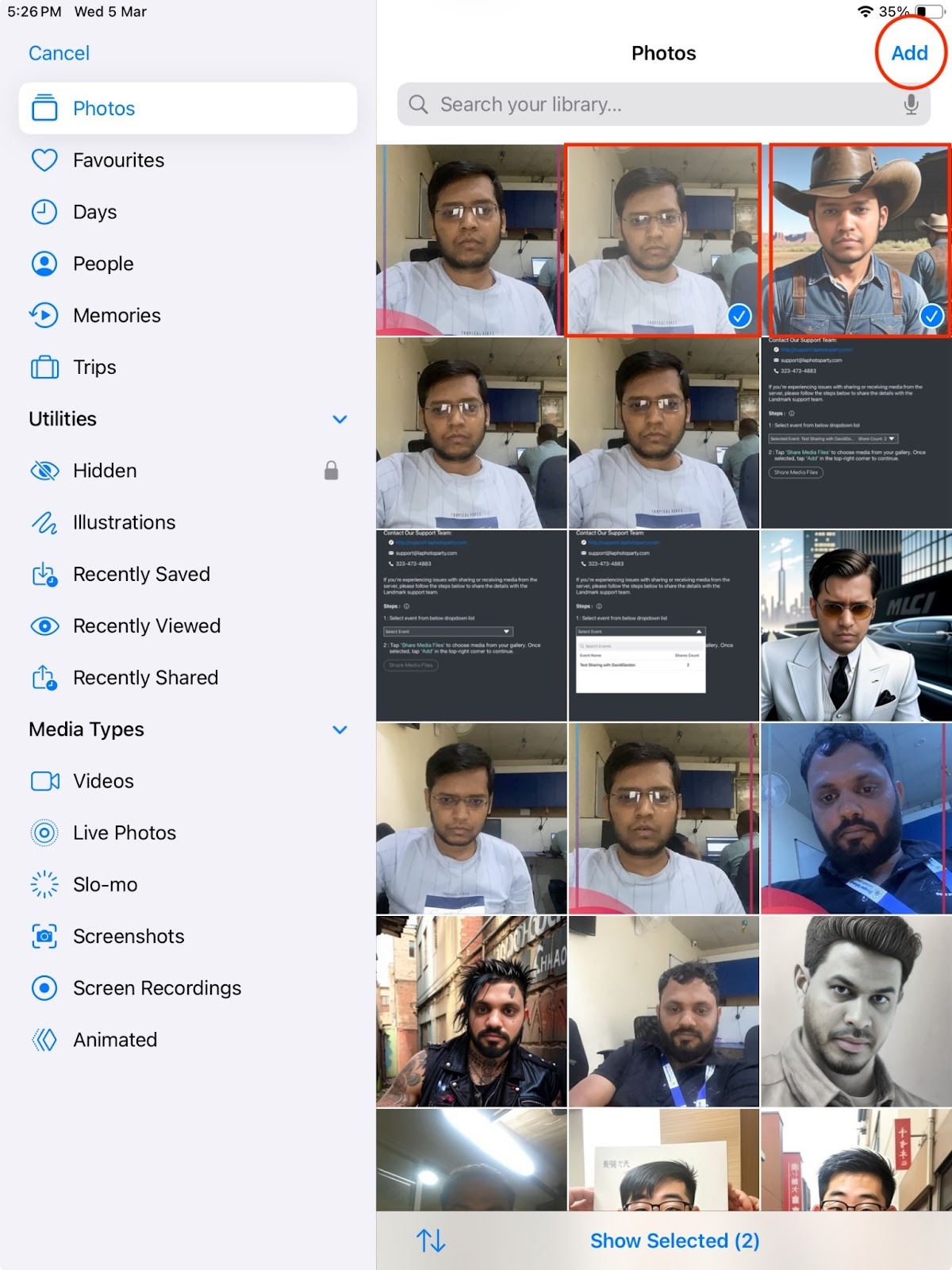
Step 5: Check that files have been uploaded:
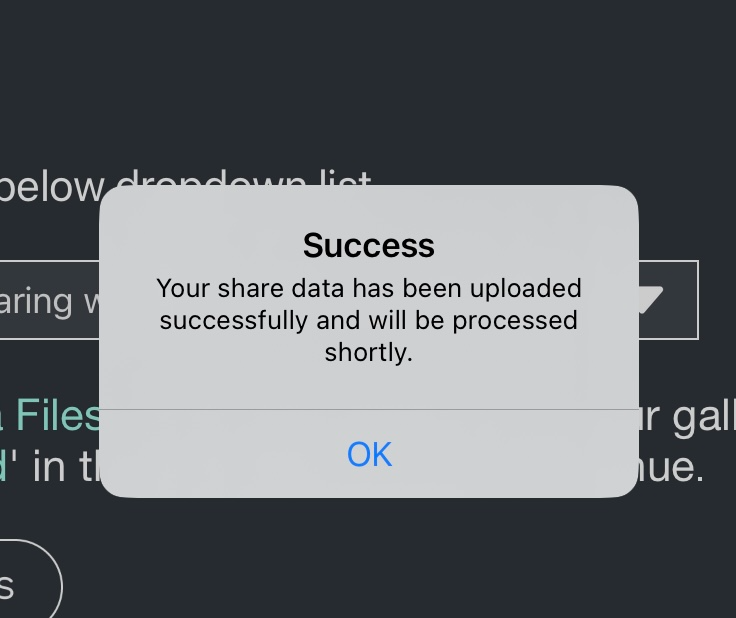
Let LAPP Support know once files are uploaded, and we can force resharing of the files