
The option to add text and image layers is included with the March 2026 release of PBU. If you are running a previous version these options will not appear. Follow along with our sample below to understand how to use these.
We are starting with a standard 6x4 Layout, with an overlay attached:
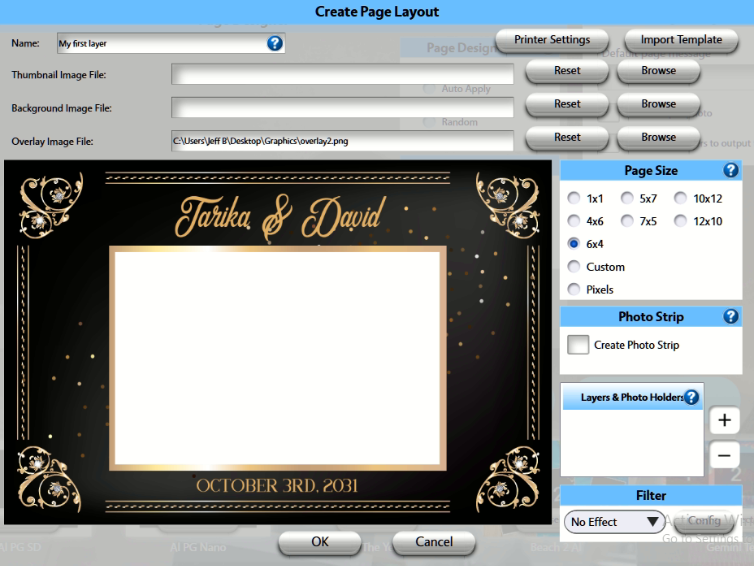
When you click '+' add your Photo Holder, you now also have options for Image Holder and Text Holder:
Photo Holder
- This works as before (and you can also select a Greenscreen OR AI filter that is automatically applied to the Photo Holder):
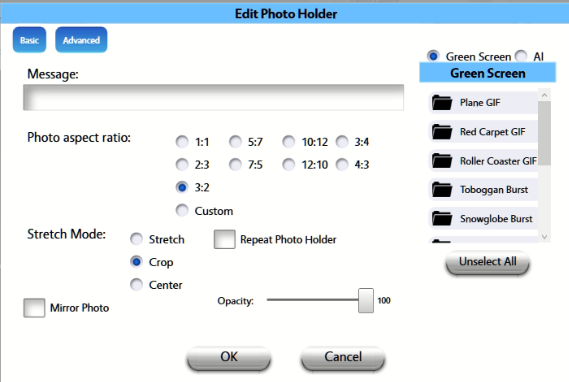
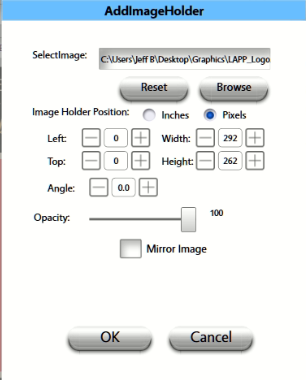
Image Holder:
- Think of this as adding a logo that you can position and resize manually, as well as adjust the opacity. This can be jpg or png image. Use png if you want to retain transparency in the Image file.
Text Holder:
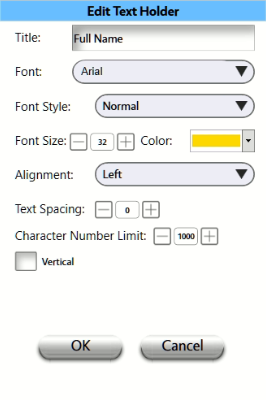
- This is an easy way for guests to enter in text that you prompt them for. This can be their Name, Sports position/Player# (for trading cards) or any other short information you want to appear on the end result. Font, color and formatting can all be customized:
Finished Design:
In addition to the Photo Holder, here you can see we loaded the LAPP logo as an Image Holder, and a Text Holder that will prompt guests to enter their Full Name before the photo is captured:
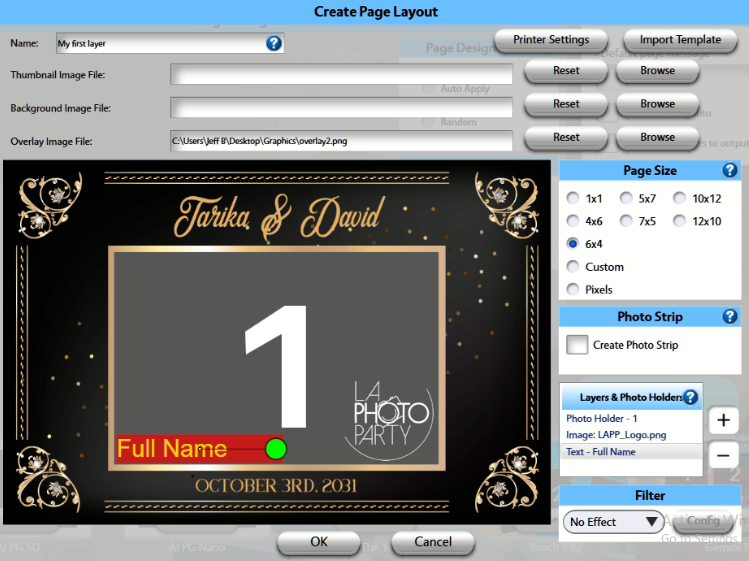
Note: You are not limited to just one Image Holder or Text Holder, you may create multiple of each